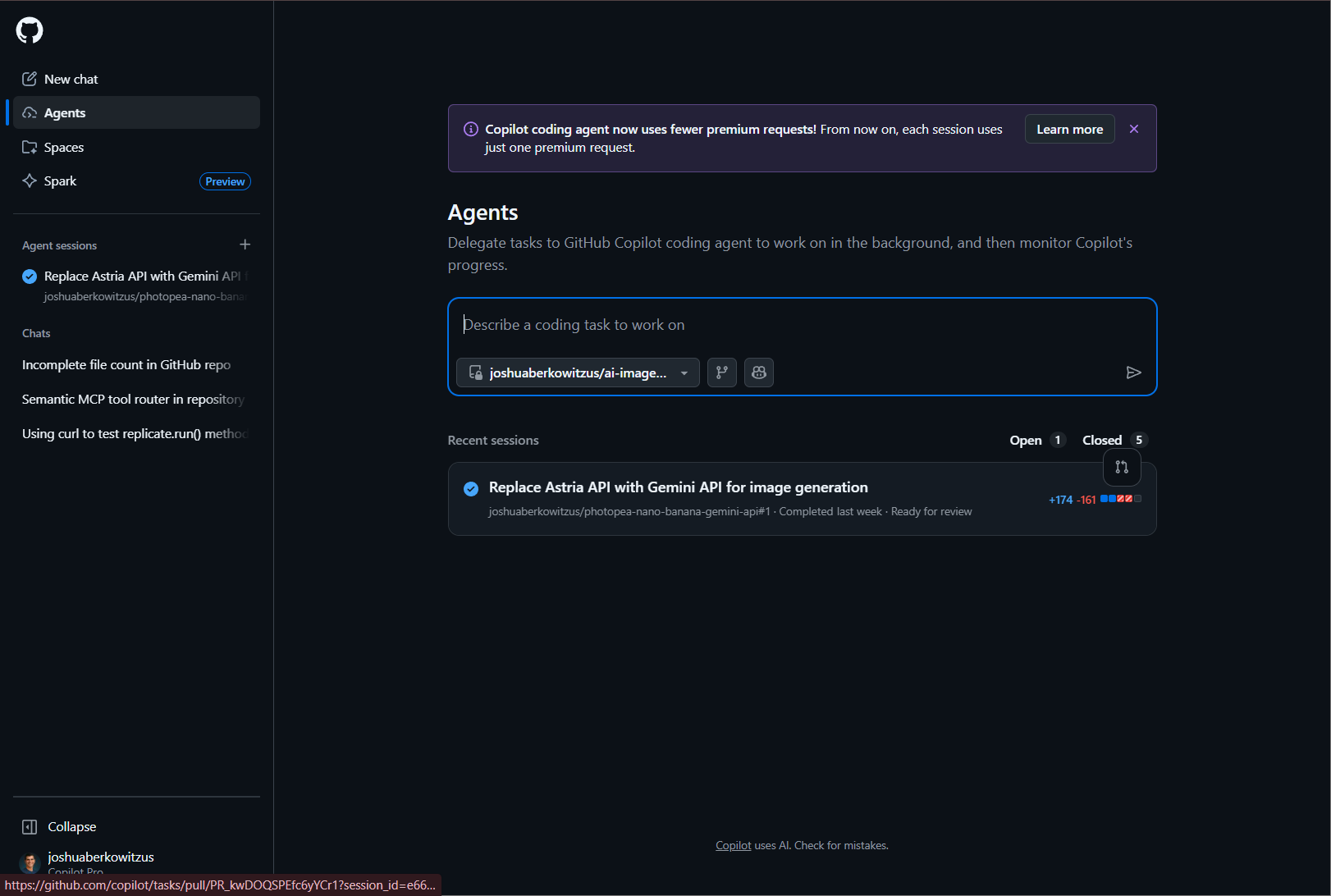
Developers will find Agent HQ at the core of this update, acting as a centralized hub for launching and managing AI coding agents both locally and remotely. The new Agent Sessions view consolidates sessions from tools like Copilot, Copilot CLI, and OpenAI Codex, streamlining management and search. Users can now create, edit, and customize agents with updated workflows and metadata fields, tailoring their AI experience for specific needs.
- The Plan Agent breaks down complex coding tasks into actionable steps, supporting iterative planning and approvals before generating code.
- Seamless integration for cloud and CLI agents allows for easier session tracking, editing, and delegation across chat and terminal.
- Custom agents (formally called chatmodes) benefit from new file formats, advanced properties, and the ability to chain workflows for sophisticated automation.
Security and Trust: More Granular, More Powerful
Security enhancements take center stage, giving teams greater control over AI actions and external integrations. Granular approvals for tools and data, bulk trust for servers, and clearer permission management help organizations maintain compliance and protect their workflows.
- Terminal tool upgrades use Tree-sitter parsing for safer command execution, experimental file write detection, and improved context sharing between terminal and chat.
- Centralized admin control over Model Context Protocol (MCP) servers, with enhanced authentication and scope management, ensures secure and compliant usage.
Editor Experience and Productivity Refined
Everyday coding becomes more efficient with a host of editor enhancements. Inline suggestions have moved to Copilot Chat and are now open source, giving users more flexibility and snooze controls. Navigation is more intuitive, with improved "Go to Line" character support, multi-file diff navigation, and selectable deleted code in diffs.
- Updated iconography refreshes the interface, while Linux users benefit from global settings policy support.
- The Command Palette now ignores accents, and advanced settings are easier to access for power users.
- Diagnostic hover improvements, math copy in chat, and better notebook search streamline daily tasks.
Source Control and Testing Updates
- Git commit message folding and a more informative Source Control Graph make versioning clearer, with new branch and tag comparison features.
- Testing navigation commands help identify and address uncovered lines faster, improving test coverage efficiency.
Terminal and Language Support Expansions
- Terminal IntelliSense is now available for all, offering completions for PowerShell, bash, zsh, and fish, with customizable behavior.
- Simplified shell integration and command timeout settings make configuration easier.
- Python tooling advances include better Poetry support, automatic dependency installs, AI-powered docstrings, and tools for converting wildcard imports to explicit ones.
- Basic dotenv file support is now included by default.
Accessibility, Extensions, and Engineering Initiatives
- Voice accessibility is enhanced with speech timeouts disabled by default and improved screen reader context in chat input.
- Extension authors gain new API options, including ID tokens for authentication, secondary sidebar view containers, and richer Quick Pick elements.
- Markdown rendering in tree views and alerts is now more versatile.
Preview Features, Engineering, and Community
- An Insiders-only Language Models editor centralizes Copilot Chat model management.
- Automated UX PR testing streamlines UI changes by generating review assets automatically.
- macOS Big Sur support ends after this release.
Conclusion
Visual Studio Code 1.106 is a transformative update, bringing smarter AI agent management, robust security, and a more intuitive editor experience. Developers and teams will find productivity gains, improved compliance, and a modernized workflow that meets the diverse demands of today’s coding landscape.


VS Code 1.106: AI Agents, Security, and Productivity Get a Major Boost